|
| |
| |
| | | |
| | |
| A DIGITAL DRAWING TOOL
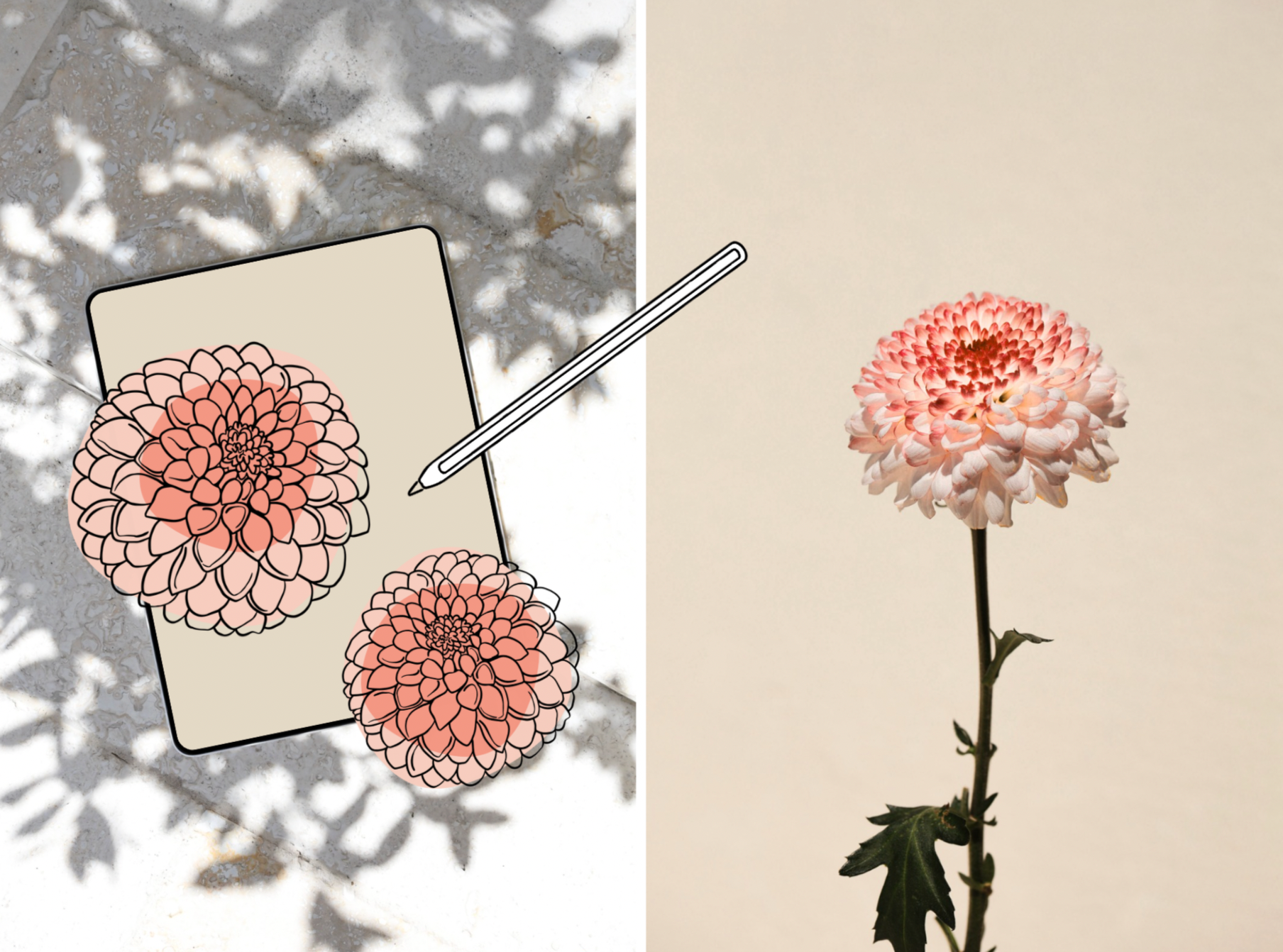
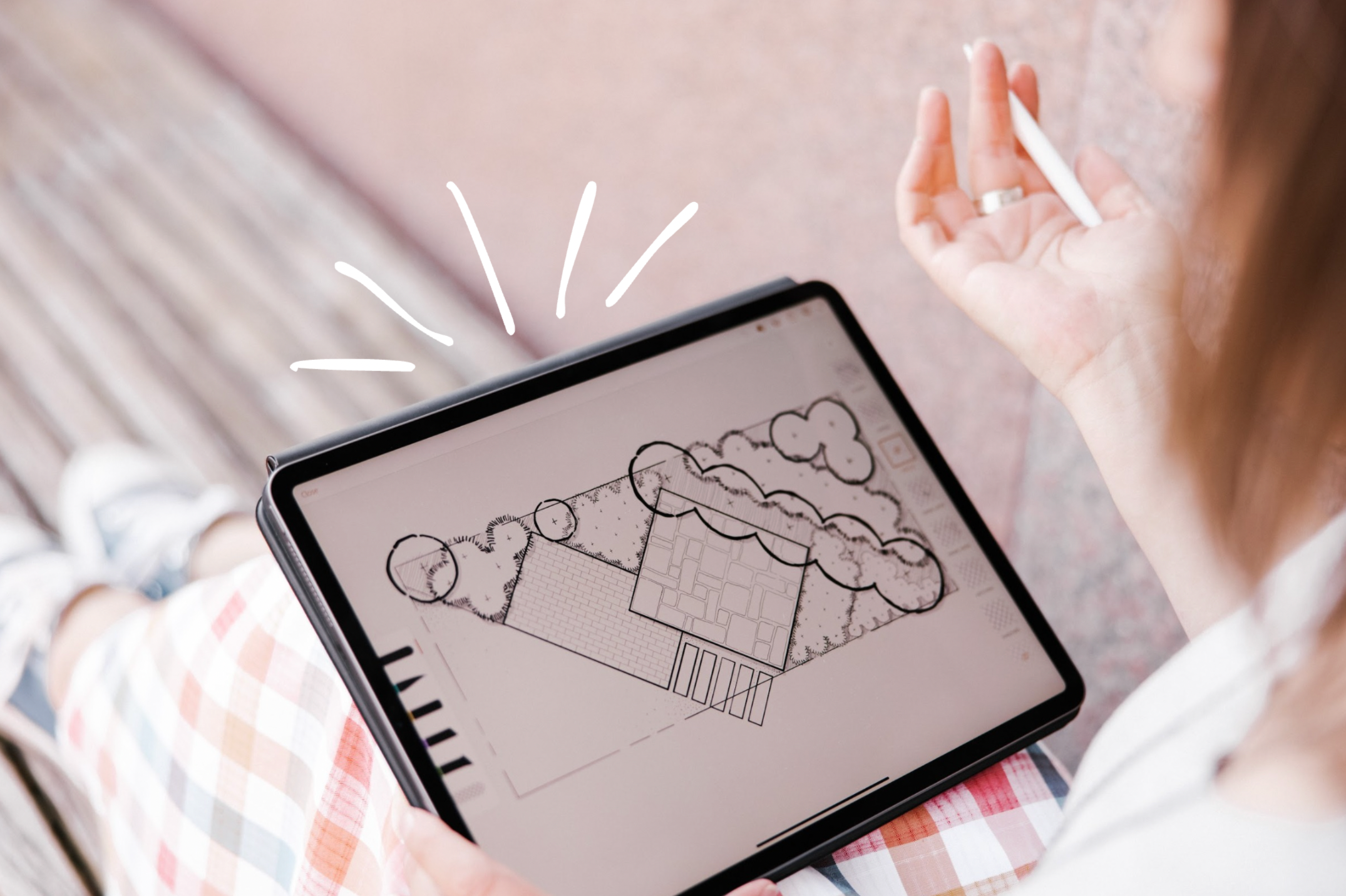
Drawing apps are often described as sketching tools, but many designers, including my students and me, use them for much more than that. They function like digital tracing paper that allows for conceptual brainstorming and fine-tuned drawings. Unlike programs such as AutoCAD, Vectorworks, or Dynascape, which are built for technical precision and construction documents, drawing apps support ideas taking shape through line, layers, and color...with lots of flexibility.
⚘
That does not make CAD tools less important. They simply serve a different purpose. Many designers use both, depending on the project, the phase, and who the drawing is for. Drawing apps also preserve the hand-drawn look many designers love (including me!), with the added bonus of being easy to revise and update.
⚘
One question I hear all the time is, which drawing app should I start with? And the honest answer is, any of them. |
| | | |
| | | |
| | | |
| | |
| DIVE IN AND START EXPLORING
With so many options, it is easy to feel stuck trying to choose the right one. Because most drawing apps are relatively inexpensive, I usually encourage students to just dive into one and start learning. As you use it, you will quickly discover what you like, what feels intuitive, and what you wish worked differently, and that information is incredibly valuable.
⚘
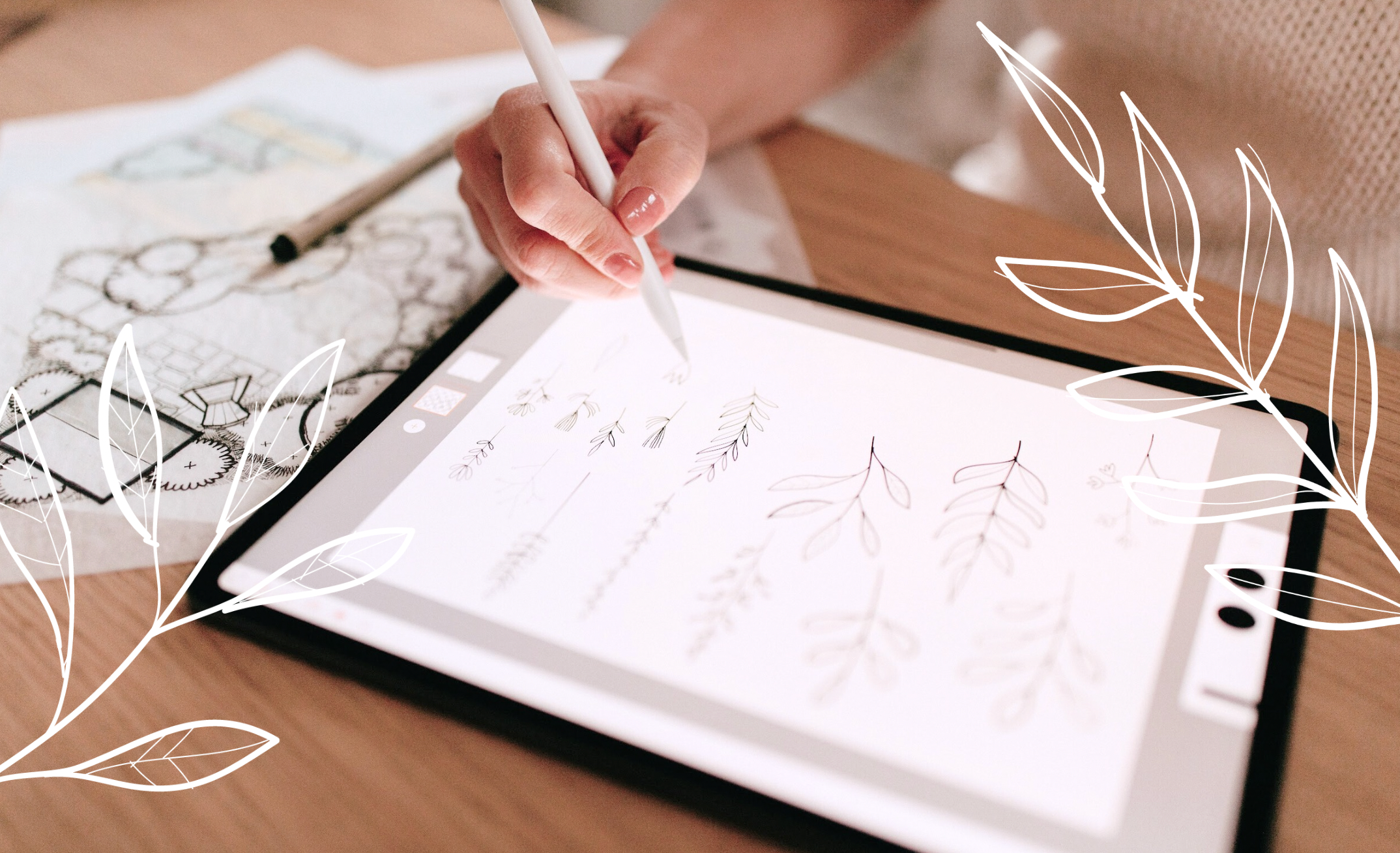
You can always learn another app later. In fact, many of these tools work beautifully together. One of my students recently shared a process where they draw plant symbols in Procreate, then bring them into Morpholio Trace to use as stencils. That kind of crossover is common, and it is why learning one app is never a waste. It simply becomes part of a flexible, growing toolkit.
⚘
If you enjoy drawing by hand, or even just love that look, drawing apps can support your process from early ideas all the way through finished presentation drawings. I wrote more about the drawing apps my students use most, and what I use myself, over on the blog this week. You can read it here:
>>Drawing Apps for Landscape Designers |
| | | |
| | | |
| | | |
| | |
| LET'S DO THIS!
Did you check out my blog post to read more about the Drawing Apps my students and I love to use? Are there others you think I should add?
⚘
If you know someone that needs design inspiration, please feel free to share this newsletter. Anyone can subscribe right here. I also keep a VAULT of past issues in this secret location.
⚘
Keep sketching, keep dreaming, and let your designs grow...on paper or on screen. ♥︎
Warmly,
Lisa
.....
PAPER GARDEN WORKSHOP |
| | | |
| | | |
|