Drawing Apps for Landscape Designers
Many of you know I love hand-drawing my landscape designs. There’s something really special about exploring ideas on paper with a pencil in hand. I truly believe that learning to draw on paper first is incredibly important. Building skills in line quality, proper line weights, and scale, while feeling free to explore the ideas in your head without constraint, creates a strong foundation for visual communication. Read more about THE BENEFITS OF HAND-DRAWING.
As those skills develop, a lovely next step can be using a drawing app on a tablet like an iPad with a digital pencil, especially if you love the look of hand-drawn work but want a more flexible, efficient workflow.
Drawing apps are often described as sketching tools, but many designers, including my students and me, use them for final drawings as well. Unlike programs such as AutoCAD, Vectorworks, or Dynascape, which are built for technical precision and construction documentation, drawing apps function more like digital tracing paper. They support visual thinking through line, layers, and color while preserving the hand-drawn aesthetic many designers love, with the added benefit of being easy to revise and update.
That doesn’t make CAD tools less important. It simply means drawing apps and CAD programs serve different purposes, and many designers use both depending on the project, phase, and audience. For today, let’s explore a few drawing apps you might enjoy as you begin easing into the digital world of drawing.

PROCREATE
Best for expressive sketching and hand-drawn final plans
Available on iPad only
Procreate is powerful, intuitive, and incredibly responsive. While often associated with illustration, many landscape designers use it for loose sketches and fully rendered presentation plans. With the right brush setup, it can feel very much like pencil or pen on paper…just easier to edit. You'll need to use a grid in this program to scale your drawing.
Many of my students love the class GREAT AT PROCREATE by Amy Fedele at Pretty Purple Door. While Procreate is technically an illustration app, Amy does a great job showing how it can be used to create landscape designs to scale. (Please note: this is an affiliate link.)

ADOBE FRESCO
Best for designers working within the Adobe ecosystem
Available on iPad and Android tablets
This is the drawing app I use most often. Fresco blends raster, vector, and live brushes in one place, making it ideal for both loose drawing and polished presentation work. Just like Procreate, you'll need to use a grid in this program to scale your drawing. I often draw in Fresco, then move my drawings into Illustrator to add title blocks or other graphic elements. My Monrovia Nursery illustrations were created in Fresco, including several featured in the latest LANDSCAPE PROJECT GUIDE. Learn more about FRESCO.
MORPHOLIO TRACE
Best for layered thinking and plan-based design
Available on iPad only
Morpholio Trace mimics tracing paper beautifully, allowing you to sketch over photos, base plans, or site images using layers and scale tools. Yes, this program makes it easy to scale your drawings appropriately with built in tools. For designers trained with vellum and pencils, this app feels immediately familiar. It’s commonly used for concept development, but many designers also create clean, professional final drawings within the app.
Many of my students love learning about Morpholio Trace from Henry Gao at DRAW WITH GAO.
CONCEPTS
Best for iterative design and diagramming
Available on iPad and Android tablets
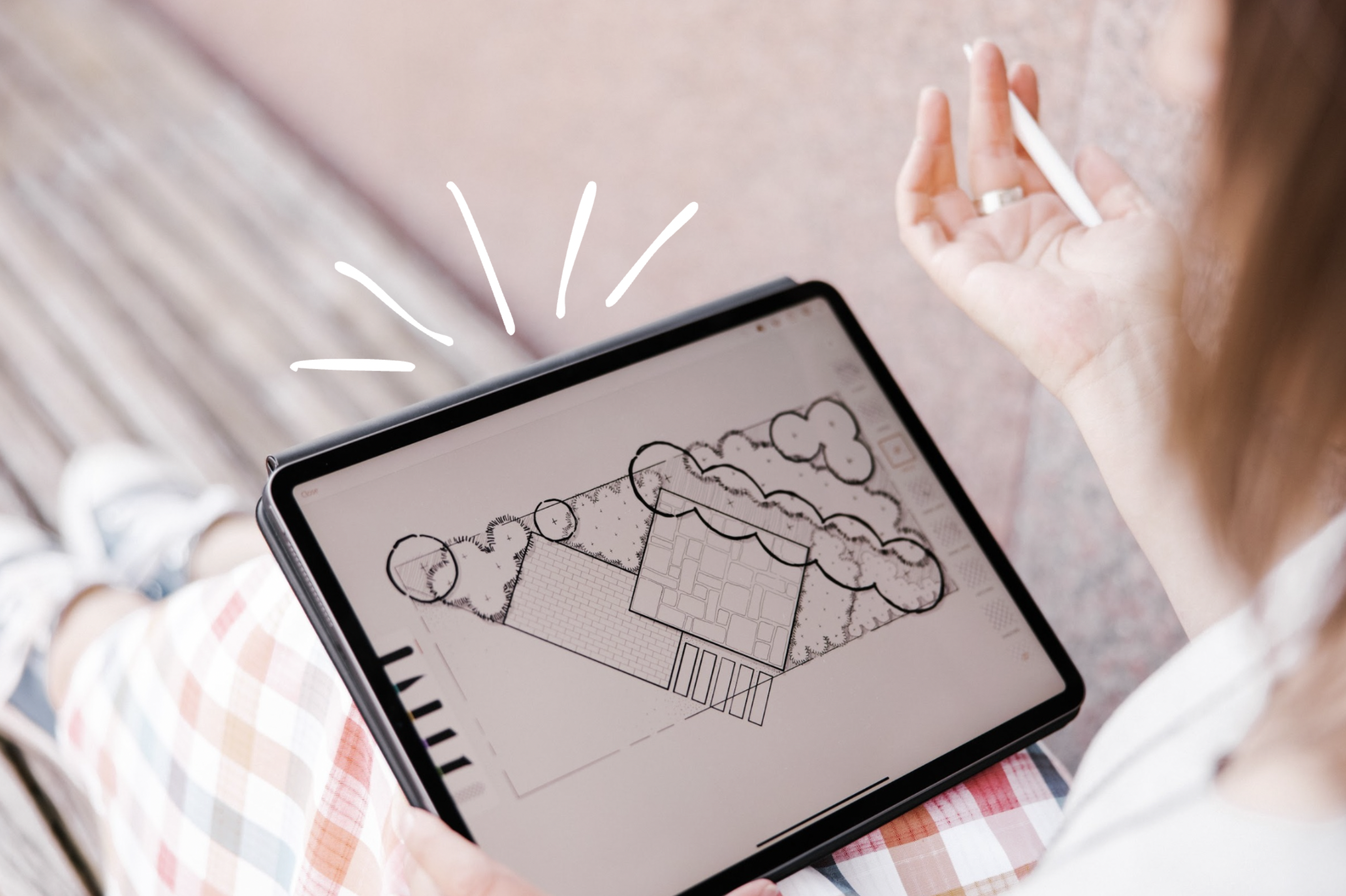
Concepts uses an infinite, vector-based canvas, meaning you can zoom endlessly without losing clarity. This makes it especially useful for diagrams, spatial studies, and refining ideas over time. While it’s excellent for conceptual work, some designers also use it to create crisp, final presentation drawings too. Check out CONCEPTS.
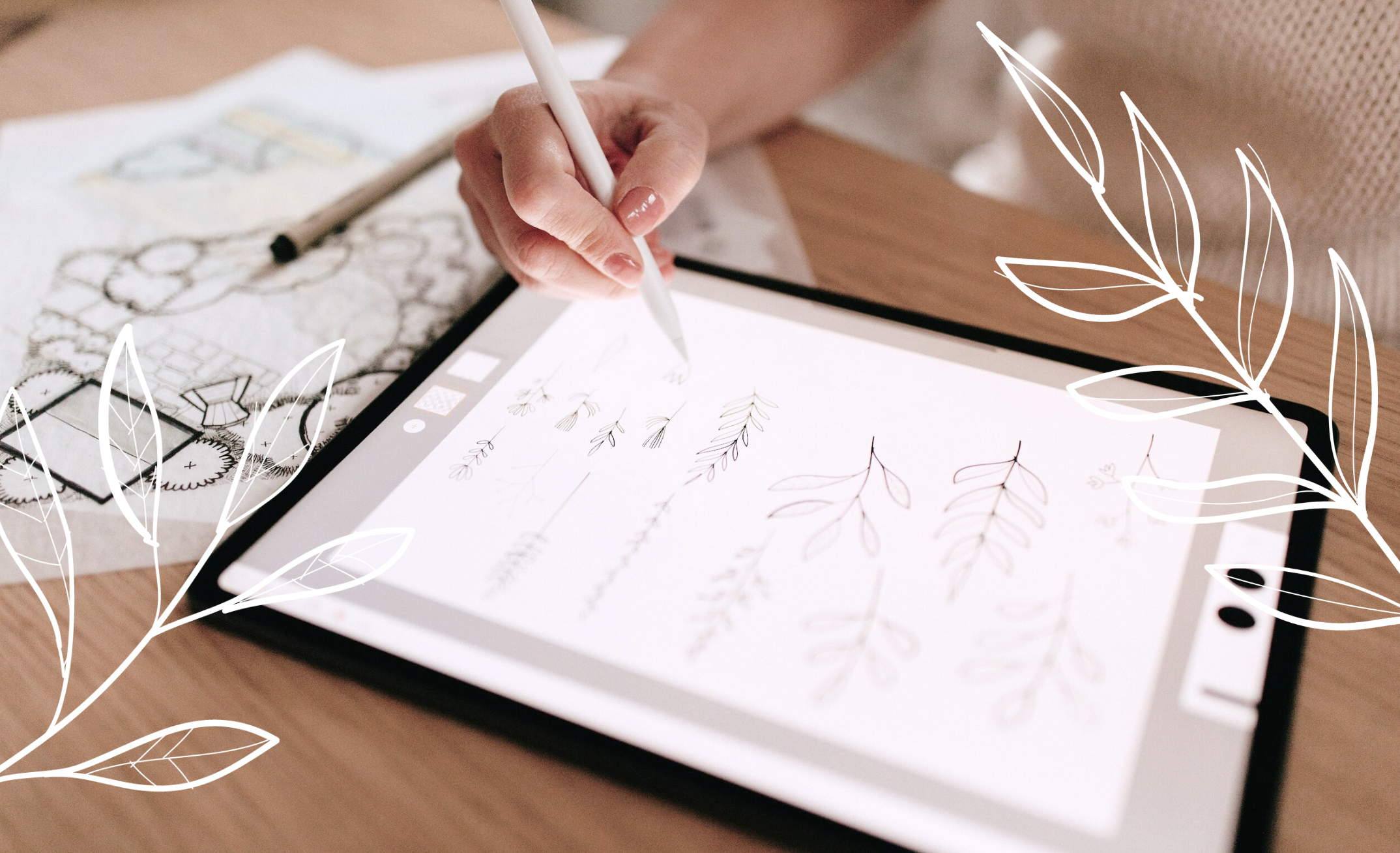
Sometimes the hardest part is simply choosing where to start. With so many options, it’s easy to feel overwhelmed by the decision. Because drawing apps are relatively inexpensive, I often encourage students to just dive into one and begin learning. As you use it, you’ll quickly discover what you like, what feels intuitive, and what you wish worked differently…and that information is valuable.
You always have the option to learn another app later. Many of these tools also work beautifully together. For example, you might draw plant symbols in Procreate, then bring them into Morpholio Trace to use as stencils. One of my students shared that exact workflow with us recently. Because these apps are compatible and complementary, learning one is never a waste. It simply becomes part of a growing, flexible toolkit.